Yoto Labels is a free browser tool that turns your artwork into print-ready labels. Add cover art or a photo, arrange your sheet, and export a PDF sized to fit.
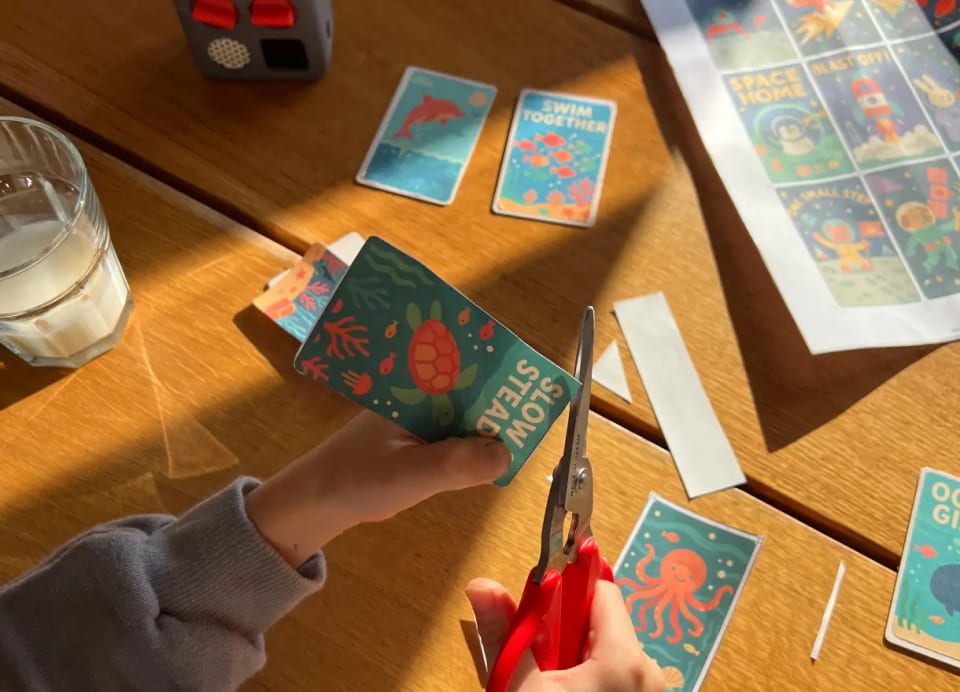
Everything stays in your browser. Your images are never uploaded or stored. I built this for my own son's MYO cards first, before opening it up to everyone.
How to create custom labels for Yoto MYO cards
It stays out of your way. No layers panel, no complex settings menu to dig through. Just enough to get your art onto a label and nothing to slow you down.
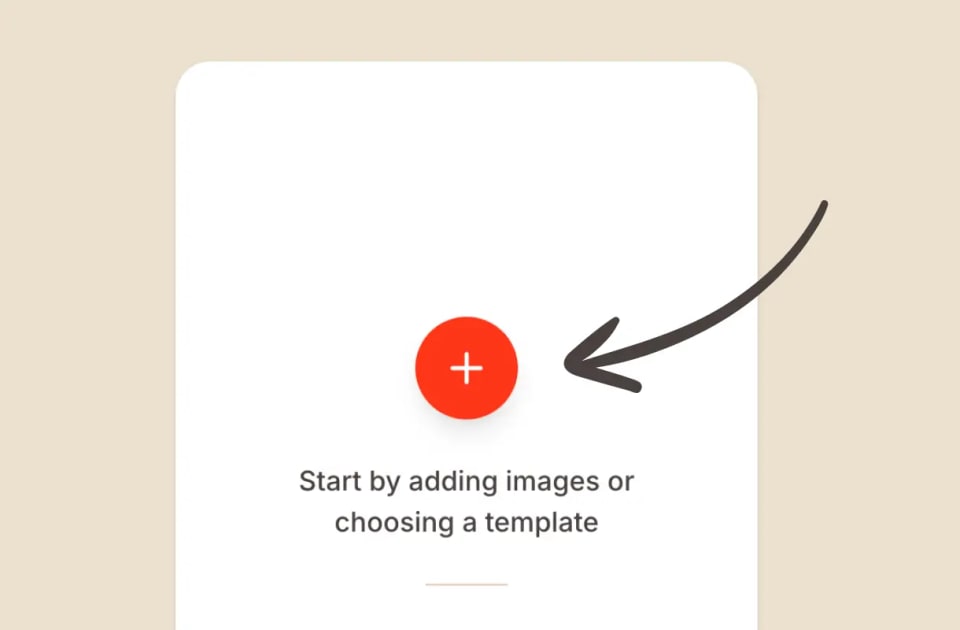
Add images
Add from your device, import from Yoto, or pick a free template.
Arrange the sheet
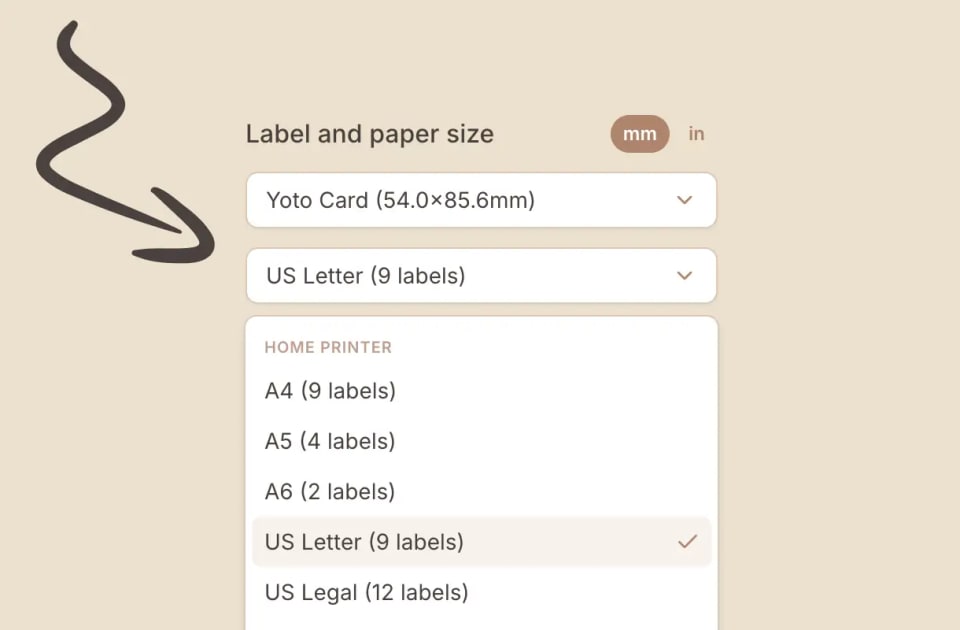
Pick a layout, crop, set corners and sizing, and choose label and paper size.
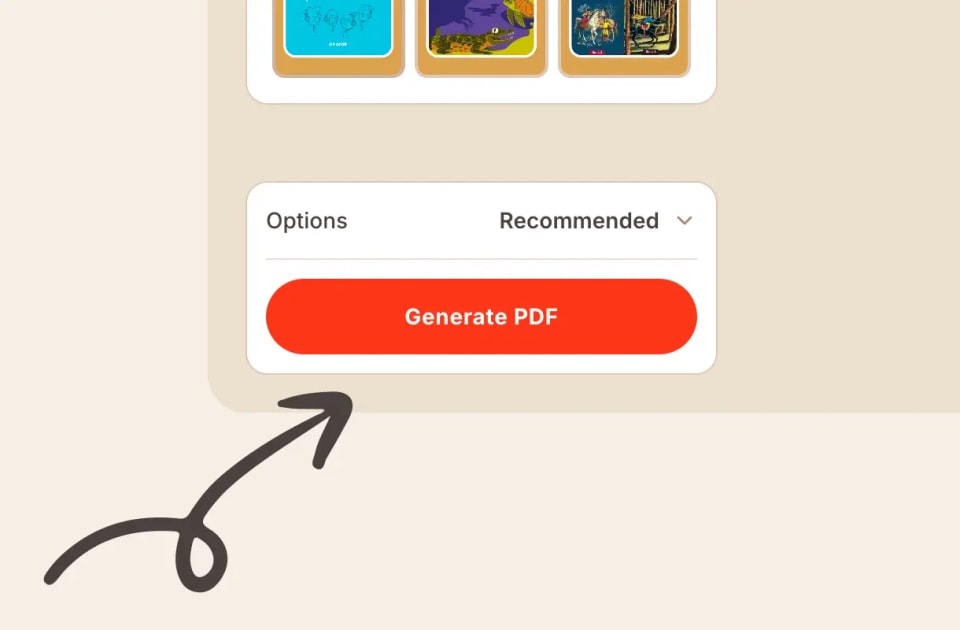
Export
Generate a print-ready PDF (or JPEG / PNG) with the recommended setup.
That is the whole process, start to finish. Every step is documented in the guides below, from picking a layout to sorting out paper size. If something still trips you up, get in touch and I will sort it out.